Choosing Between a UX Audit and a Redesign

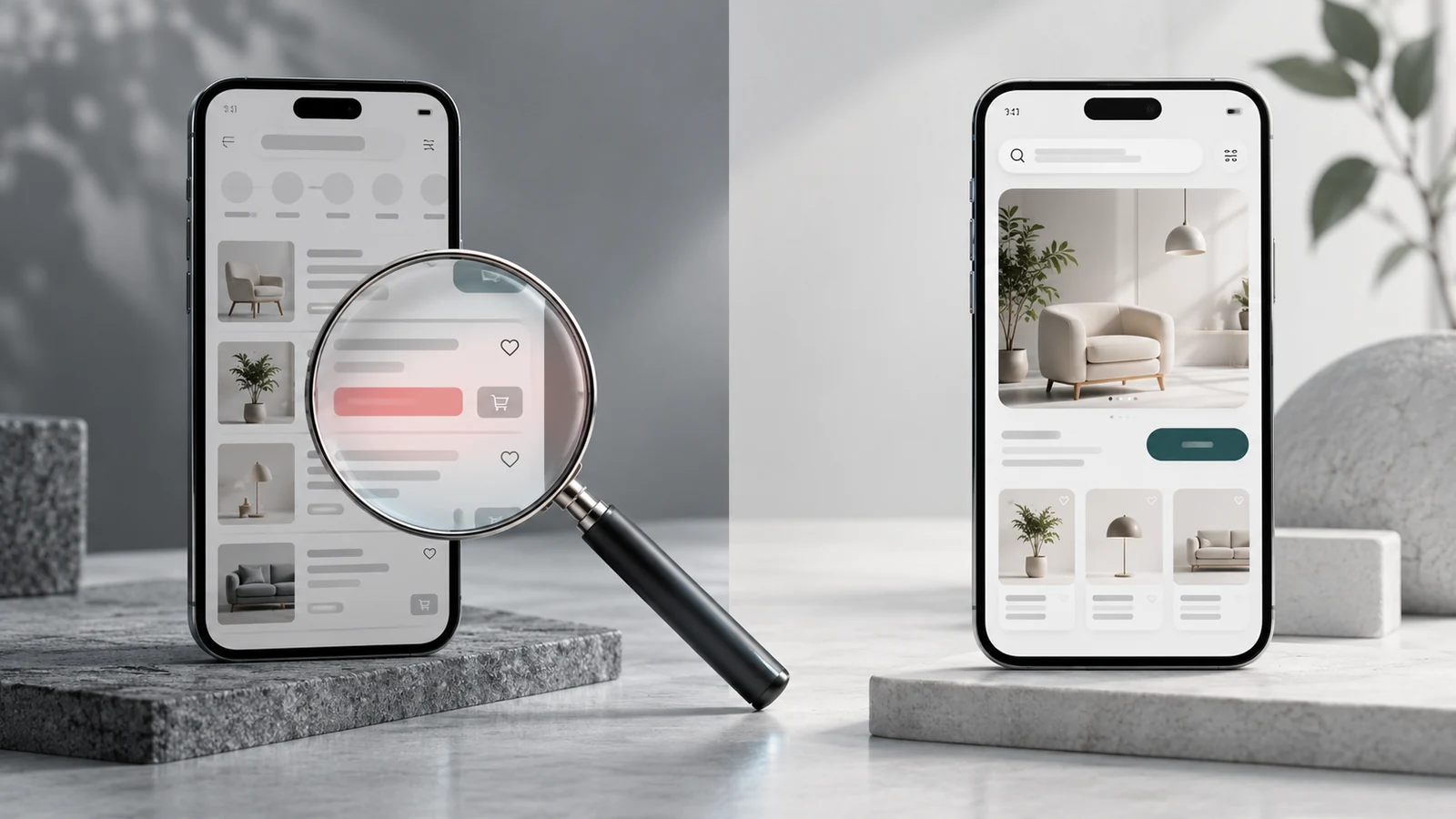
- What a UX audit can reveal
- Choose an approach that fits the situation
- Make audit findings usable by the team
- Put boundaries around a redesign
- Frequently asked questions
- Is an audit the same as usability testing
- Will a redesign necessarily perform better
- Where should we start
- Sources
When users struggle to complete a task, a full interface redesign is not automatically the right response. First establish where the problem occurs and what evidence supports it. A UX audit can be a useful starting point for friction in specific journeys. A change to the product's audience, information architecture or operating model may justify broader design work.
The purpose is to match the intervention to the problem. In many cases, the sensible path is an audit followed by a focused redesign of one journey, rather than a replacement of the whole interface.
What a UX audit can reveal
A UX audit systematically examines important user tasks. Expert review can assess principles such as clear system status, error prevention and consistency. Nielsen Norman Group describes usability heuristics as broad evaluation principles.[1] A violation does not, on its own, establish how many customers are affected or how much revenue is lost.
Combine findings with analytics, support records and user research where available. Usability testing involves observing participants as they attempt tasks.[2] It can show how a suspected problem appears in actual use. Analytics can help investigate where the issue occurs and which segments encounter it. Each source contributes different evidence.
Choose an approach that fits the situation
| Observed situation | Useful starting point | Evidence to seek |
|---|---|---|
| Failure in one journey | Focused UX audit | Step level data and session observations |
| People cannot find content | Information architecture research | Search behaviour and task tests |
| A new audience is targeted | Research and broader design | The new audience's tasks and needs |
| The interface looks dated | Clarify the problem first | Usability evidence or a defined brand need |
| The technical platform changes | Joint design and engineering discovery | Constraints and behaviours to preserve |
Make audit findings usable by the team
A useful finding identifies the journey, observed problem, supporting evidence, affected users and recommended next action. “Make the button more visible” is less actionable than “form errors appear only at the top of the page, so mobile users cannot identify the field they need to correct.”
Prioritise using impact on important tasks, frequency and strength of evidence. Discuss implementation effort with engineering. A severity label alone does not resolve these trade offs. Record an untested solution as a recommendation to validate, rather than a guaranteed improvement.
Put boundaries around a redesign
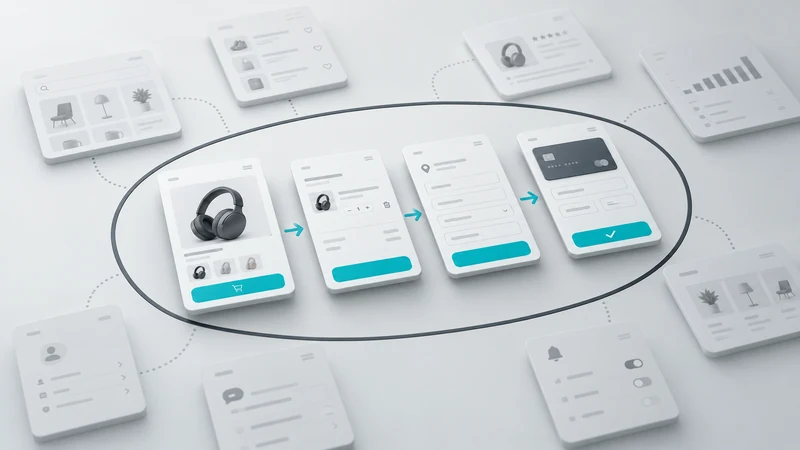
In a hypothetical subscription product, customers may struggle only when comparing plans. Replacing the entire dashboard would add scope without addressing that specific question. Start by testing a prototype of the plan comparison journey and its content. If roles, navigation and the underlying information model are changing together, isolated screen fixes may be insufficient.
Establish a baseline before release. Evaluate the new experience using the same task definition and comparable user groups. If traffic sources or customer types change, explain why a simple before and after comparison cannot isolate the design's effect.
Frequently asked questions
Is an audit the same as usability testing
No. Expert review and testing with users provide different kinds of evidence. They can be used separately or together depending on the question.
Will a redesign necessarily perform better
No. Changes can introduce new problems. Prototype testing, a controlled rollout and a measurement plan help manage that uncertainty.
Where should we start
Choose an important user task, document the current problem and set the scope from there. VOYA UX audit services can help clarify which journeys to investigate first.
Sources


Explore All Blogs


















Ready to talk
about your project?
Do you have a clear vision regarding the ideas, goals, requirements, and desired outcomes for your project? Let's take the first step together by setting up a meeting to bring all of these to life.