What a UI UX Design Project Should Deliver

- Connect deliverables to decisions
- Keep context attached to research findings
- Specify relevant states beyond the ideal screen
- Treat handoff as a working conversation
- Frequently asked questions
- Does every project need a design system
- Is an interactive prototype a working product
- How can we clarify the delivery scope
- Sources
A UI/UX project should leave a team with more than a collection of screens. People need to understand the problem being addressed, how the proposed experience behaves and which decisions must survive implementation. The right deliverables depend on product maturity, research needs and the development scope.
Instead of requesting every possible design document, ask what decision each output supports. A small journey improvement may not need a large persona deck. A product with several user roles may need much more than polished versions of its main screens.
Connect deliverables to decisions
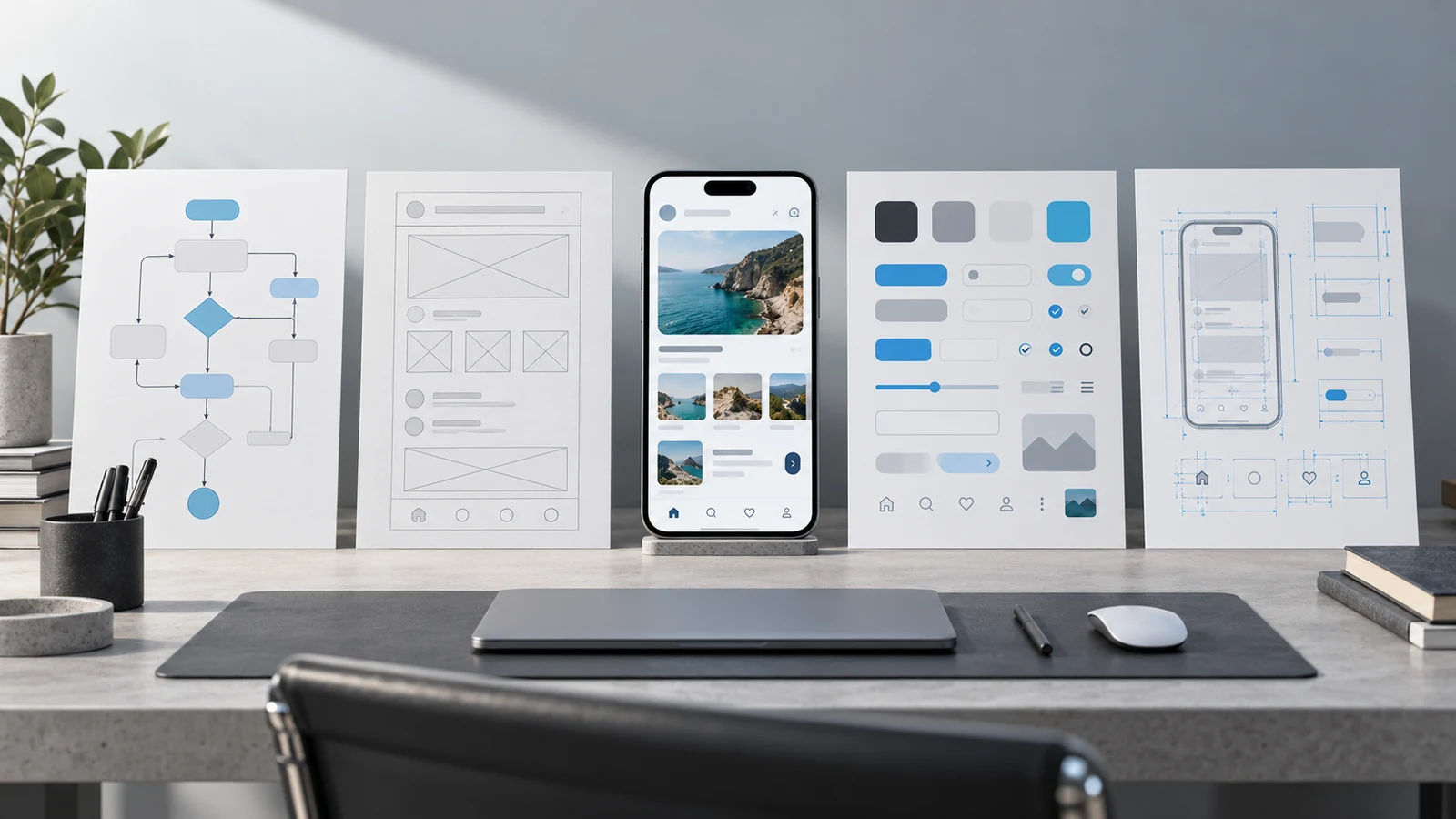
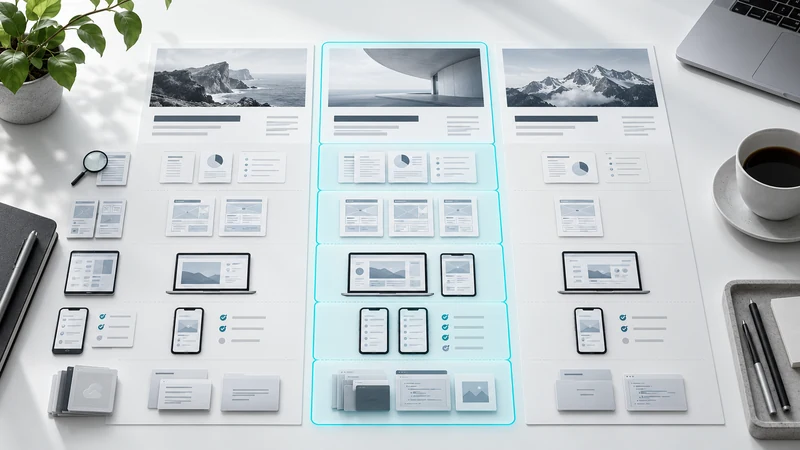
Nielsen Norman Group describes UX deliverables as different ways of communicating ideas and the results of design work.[1] The following table is a practical starting point for scoping a project, rather than a mandatory checklist for every engagement.
| Deliverable | Decision it supports | Acceptance check |
|---|---|---|
| Research summary | Which problem to address | Evidence sources and limitations |
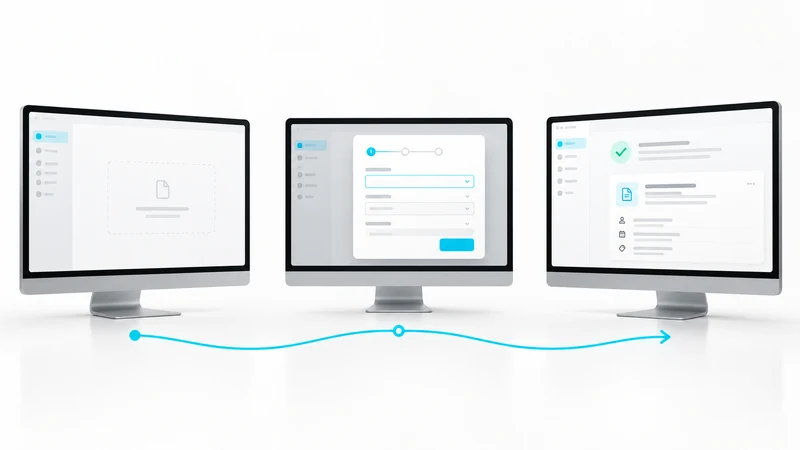
| User flow | How a task is completed | Roles and alternative paths |
| Wireframe | How information is organised | Content priority and interaction |
| Interface design | How the product looks and behaves | States and responsive behaviour |
| Prototype | Which assumption to test | Functional and simulated areas |
| Development handoff | How the design is implemented | Components and behaviour notes |
Keep context attached to research findings
A list of findings can become a list of opinions if the evidence disappears. Explain the method, participant profile and questions the research did not answer. Avoid moving unnecessary personal data into handoff documents. Readers should be able to distinguish an observation from an interpretation or recommendation.
For example, in a hypothetical study, “the participant moved between tabs to compare plans” is an observation. “They may struggle to remember the differences” is an interpretation. “Test a side by side comparison” is a proposed next step. Keeping these separate makes later decisions easier to examine.
Specify relevant states beyond the ideal screen
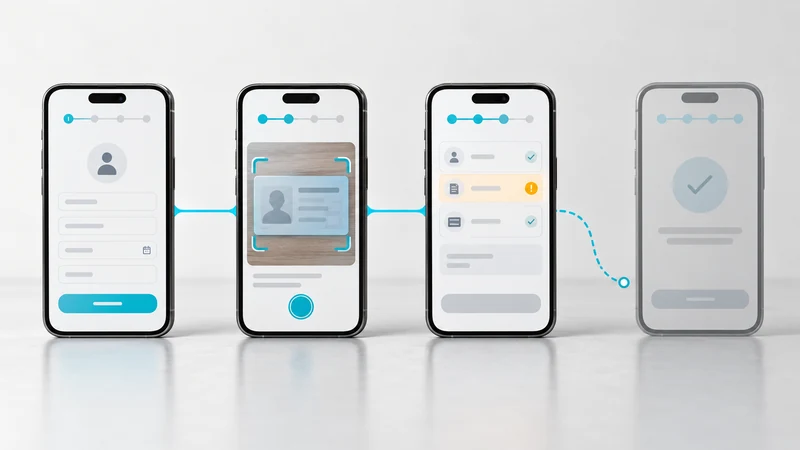
A design containing only populated screens leaves important decisions to implementation. Where relevant, include loading, empty, error, success, permission and incomplete data states. Form labels, supporting text and validation messages belong to the experience too.
Responsive design also needs more than a desktop and a mobile screenshot. Explain how content reorders, how long text wraps and how components behave in constrained spaces. Share accessibility decisions such as focus behaviour and labels with engineering. A design file alone should not be presented as proof that the implemented product conforms to an accessibility standard.
Treat handoff as a working conversation
Sharing files starts the handoff; it does not complete it. Walk through critical journeys with product and engineering. Organise component names, design variables, assets and decision notes so the implementation team can use them. Keep an explicit list of unresolved technical questions and their owners.
If implementation review is included, agree which screens, devices and states will be checked. Reviewing whether the built experience reflects the agreed design differs from requesting new features. Clear boundaries make it easier to resolve issues without reopening the entire scope.
Frequently asked questions
Does every project need a design system
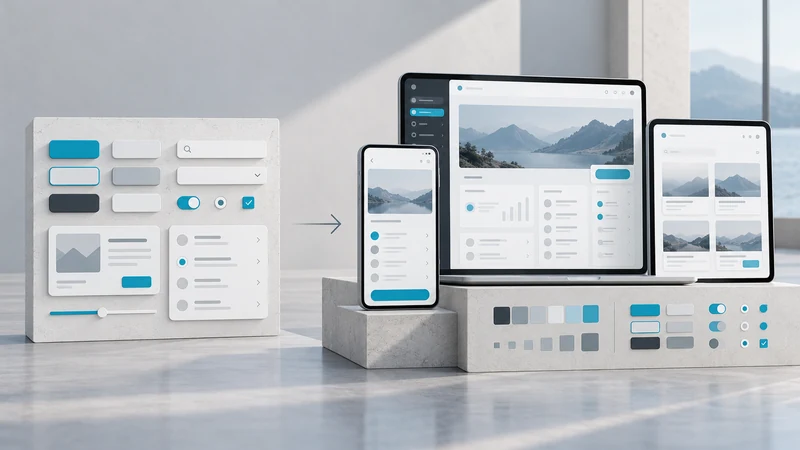
No. Existing components or a focused UI kit may be sufficient. The decision depends on recurring product needs and how teams work together.
Is an interactive prototype a working product
Usually not. It represents selected interactions. Real data, security and production performance require separate implementation decisions.
How can we clarify the delivery scope
Record the purpose, acceptance criteria and owner for each deliverable. Explore VOYA product design services to discuss what your team needs from the work.
Sources


Explore All Blogs
























Ready to talk
about your project?
Do you have a clear vision regarding the ideas, goals, requirements, and desired outcomes for your project? Let's take the first step together by setting up a meeting to bring all of these to life.