AI design for mobile apps: How do you transform an existing product?


- Find the work hidden between screens
- Put the first answer where the question arises
- Give users a way to check the explanation
- Measure whether people reach the right conclusion
- Apply the same test beyond banking
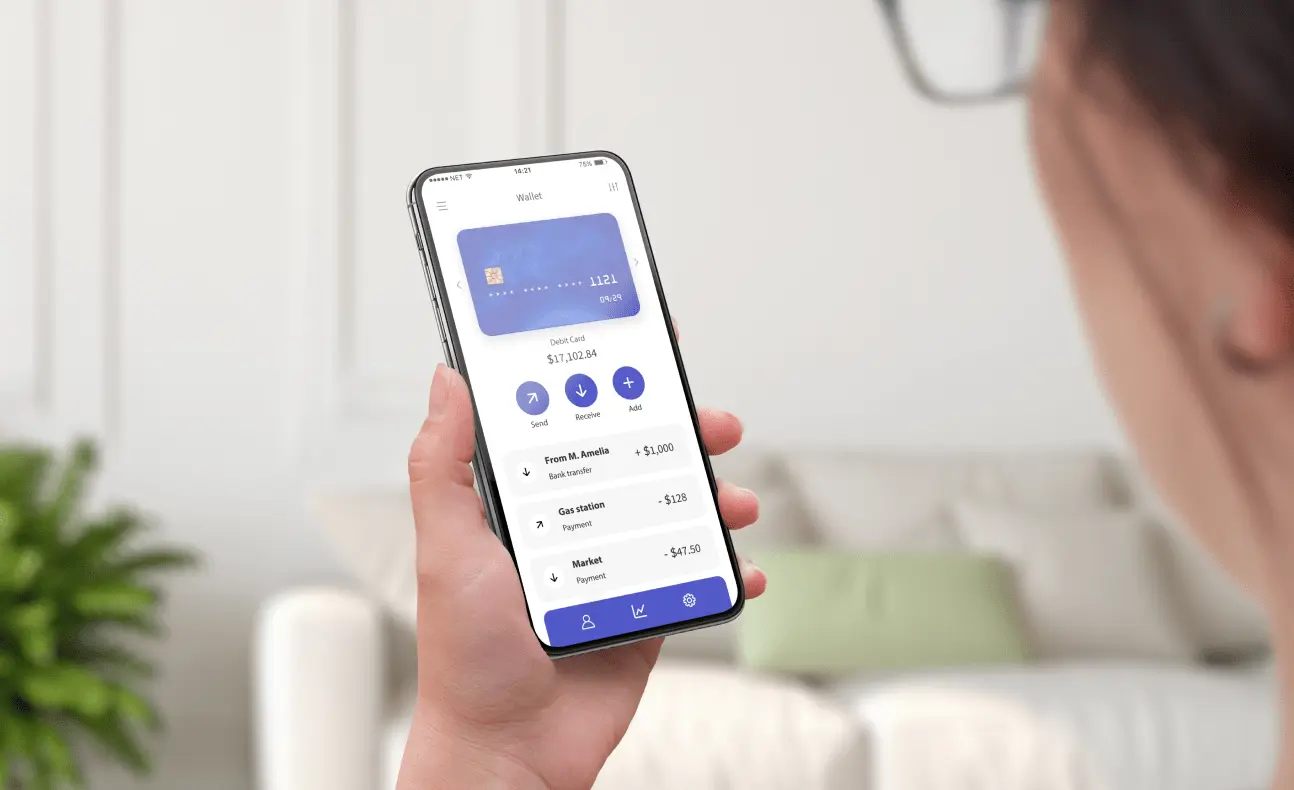
It’s the 18th of the month. You open your banking app, look at the spending chart and wonder, “Why have I spent more this month?” The answer is somewhere on your phone. Finding it means selecting the same dates last month, switching between categories and scanning transactions until something explains the difference.
Imagine two lines beneath the chart: “You spent ₺2,400 more in the first 18 days of this month than in the same period last month. Transport accounts for ₺1,800 of the increase.” Tap View transport transactions and you find a monthly transit pass payment that didn’t appear last month.
In this hypothetical example, the app takes on some of the work of interpreting records it already holds. That’s a practical starting point for AI transformation in a digital product. What work can the product do for someone? Where will the result be most helpful? And how can that person check it when something looks wrong?
Find the work hidden between screens
“People use the category filter” describes an interaction. “People are trying to distinguish a one-off expense from a change in their spending habits” is a hypothesis you can test. Ask someone to walk you through the last time they checked their spending. Which screens did they move between? What did they calculate for themselves? At what point did they feel they had an answer?
Next, prototype the simplest solution. Comparing two periods and ranking category changes requires ordinary arithmetic. Even the two-line explanation above could come from a template. A model might earn its place when someone asks a follow-up in their own words: “If I leave out the transit pass, am I still spending more?” Include the template-based version in testing so you can tell how much the model actually adds.
Put the first answer where the question arises
A chat icon on the home screen asks users to notice it, guess what information it can access and compose a question. On the spending screen, the account, period and chart are already in view. An explanation beneath the chart can use that context immediately. One tap takes the user to the entries behind it.
Conversation becomes useful when the first answer prompts a more specific question. If the user asks to exclude “the pass,” show the transaction the app thinks they mean. If two entries look alike, offer a choice with dates and amounts. Label the action Exclude this ₺1,800 payment from this comparison. Keep the posted transaction and actual spending total visible. A user exploring a hypothetical should be able to tell exactly which number has changed.
Give users a way to check the explanation
Define the comparison before writing the copy. Comparing 18 days with a full month can produce a misleading story. Mixing pending and posted transactions can change the result. In this example, the calculation layer compares posted transactions over matching periods. If a model writes the explanation, it receives calculated differences and references to the supporting entries. Every amount in the summary can be traced back to the records on screen.

Wording matters, too. “You spent more on transport” is a claim the records can support. “You commuted more often” adds a cause they don’t establish. If a transaction has the wrong category, let the user correct it and refresh both the chart and its explanation. Applying that correction to future payments at the same merchant should be a separate choice.
Sometimes the screen has little to say. With no records for the earlier period, show the current total and explain why a comparison is unavailable. If the explanation service times out, the chart and transaction history should still open. Reading an account statement shouldn’t depend on generating a paragraph.
Measure whether people reach the right conclusion
Give participants a concrete task: “Compare these two periods. Find the difference in total spending, the category that contributed most to the increase and one transaction that supports your answer.” Show one group the current screen and another the proposed design, using the same records. In a second scenario, include a misclassified transaction. This tests whether people can question a flawed explanation as well as understand an accurate one.
| Measure | What to count |
|---|---|
| Interpretation accuracy | Share of participants who identify both the total difference and the leading category correctly |
| Time to a correct answer | Elapsed time from the start of the task to a correct explanation. Report unsuccessful attempts separately. |
| Ability to verify | Share who can open a supporting transaction without help |
| Recovery from an error | Share who notice the wrong category, correct it and interpret the revised difference accurately |
If people finish faster but fewer notice the classification error, the feature has a design problem. Look at the wording, the visibility of the transaction link and the correction flow before trying to increase engagement with the assistant.
Apply the same test beyond banking
A SaaS administrator reviewing a support dashboard might ask, “Why did ticket volume go up this week?” The product can calculate how much of the increase came from password reset requests and link to those tickets. Attributing the spike to a bug in the latest release would require additional evidence. As with the banking app, a useful explanation gives the user a short path back to the records.
To explore AI transformation in your own product, choose one screen where people routinely do their own comparison. Prototype the initial explanation, the record that supports it and the path to correct a mistake. Testing those three moments will tell you which capability deserves investment and where the existing product already does the job well.


Explore All Blogs


























Ready to talk
about your project?
Do you have a clear vision regarding the ideas, goals, requirements, and desired outcomes for your project? Let's take the first step together by setting up a meeting to bring all of these to life.