Choosing Between a Design System and a UI Kit

- Distinguish a library from an operating model
- Evaluate concrete signs of need
- Start with one recurring journey
- Include maintenance in the scope
- Frequently asked questions
- Is an existing component library enough
- Can we start with a UI kit and expand later
- What should we prepare for an initial discussion
- Sources
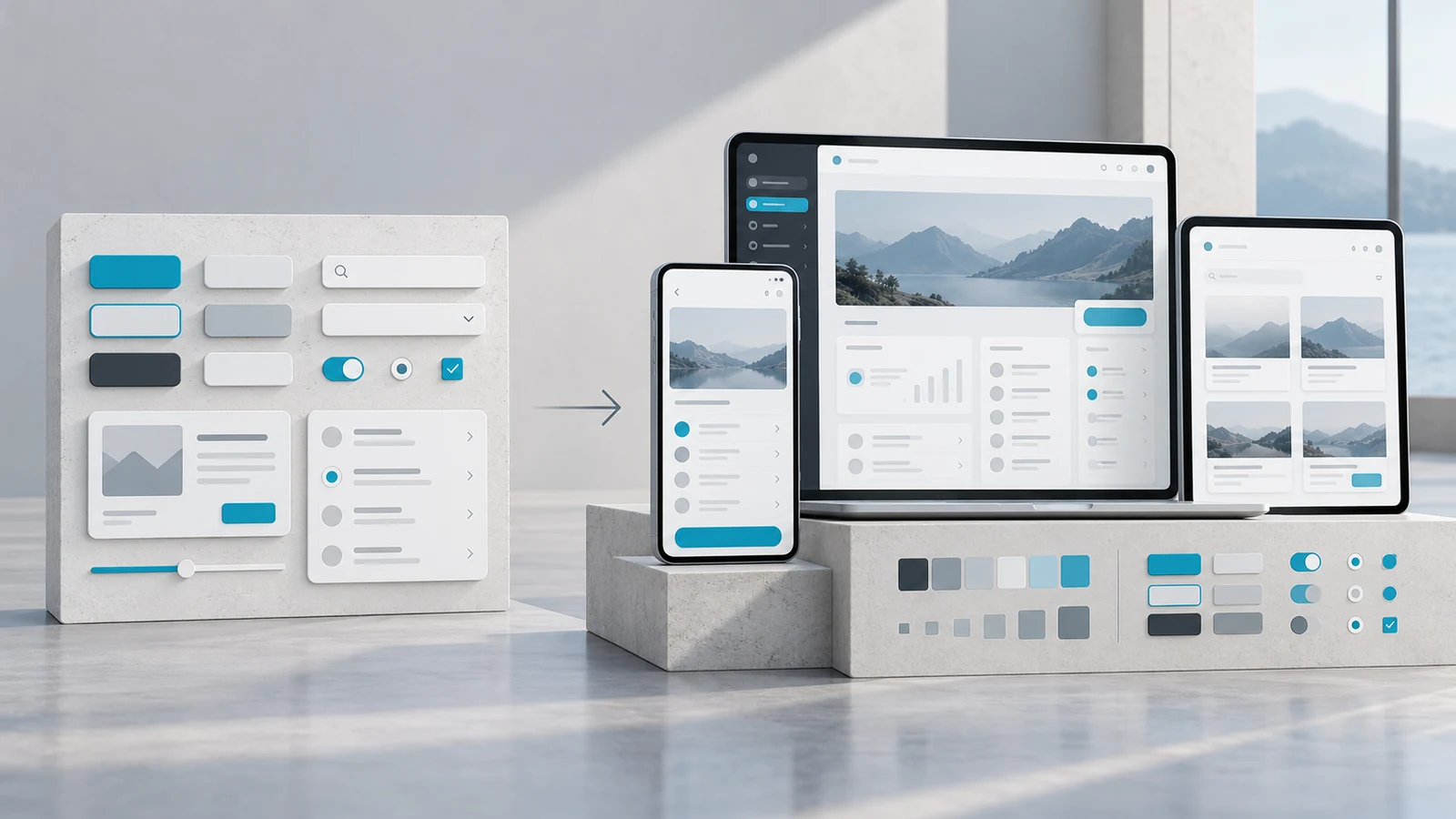
Inconsistent screens do not automatically justify building a comprehensive design system. First identify the source of inconsistency. Are reusable components missing? Do teams lack shared interaction rules? Is ownership of design decisions unclear? The need should determine the scope.
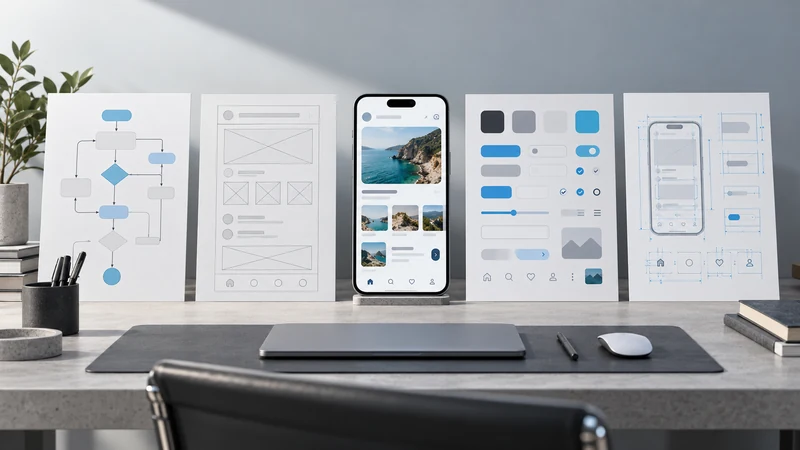
A UI kit can collect visual components for designers to reuse. A design system also addresses shared patterns, usage guidance and how the system is maintained. Nielsen Norman Group describes design systems in terms of standards supported by reusable components and patterns.[1]
Distinguish a library from an operating model
Having a Figma library does not mean the implemented components behave consistently. IBM Carbon, for example, includes working code, design tools, resources and guidance.[2] That does not mean every organisation needs a system of the same scale. It shows why the scope can extend beyond visual files.
For a single team whose product interactions are still changing rapidly, a focused component library may be the better starting point. When several teams repeatedly solve the same problems in different ways, shared decisions and maintenance become more important.
Evaluate concrete signs of need
| Situation | Useful starting approach | Clarify first |
|---|---|---|
| One product with limited repetition | Focused UI kit | Frequently used components |
| Design and code have drifted apart | Joint component review | Names and behaviour mappings |
| Several teams build similar journeys | Shared patterns and governance | Decision and contribution ownership |
| Product direction changes rapidly | Small adaptable foundation | Which elements are stable |
| Updates are not adopted | Release and migration process | Version use and maintenance ownership |
This is not a maturity score. Different products in the same organisation may need different approaches. The number of components in a library does not establish whether a system is useful.
Start with one recurring journey
In a hypothetical admin product, an initial scope might cover form fields, validation, buttons and notifications. Examine how these elements work together in a real task. When defining colour, typography and spacing variables, agree their relationship to the implementation.
Document more than a component's default appearance. Include relevant states, content constraints, keyboard behaviour and situations where it should not be used. Accessibility work extends beyond choosing a colour palette; it needs attention during implementation and testing too.
Include maintenance in the scope
Agree how components are proposed, who approves changes and how older versions are retired. Saying “everyone will use it” does not establish a working contribution process. Create a way to hear product teams' needs and record justified exceptions.
Evaluate more than library usage counts. Examine design and code alignment in important journeys, duplicated solutions and problems during upgrades. A design system should support product work rather than become a separate objective that is considered finished once the library is published.
Frequently asked questions
Is an existing component library enough
It may address part of the need. You still need to assess fit with your brand, content and product behaviours. Review its maintenance and accessibility separately.
Can we start with a UI kit and expand later
Yes. Extending the scope as recurring needs and stable patterns emerge is a practical approach. You do not need to anticipate every future component.
What should we prepare for an initial discussion
Collect examples of inconsistency, repeated components and differences between design and code. Explore VOYA UI UX design services to discuss an appropriate starting scope.
Sources


Explore All Blogs























Ready to talk
about your project?
Do you have a clear vision regarding the ideas, goals, requirements, and desired outcomes for your project? Let's take the first step together by setting up a meeting to bring all of these to life.